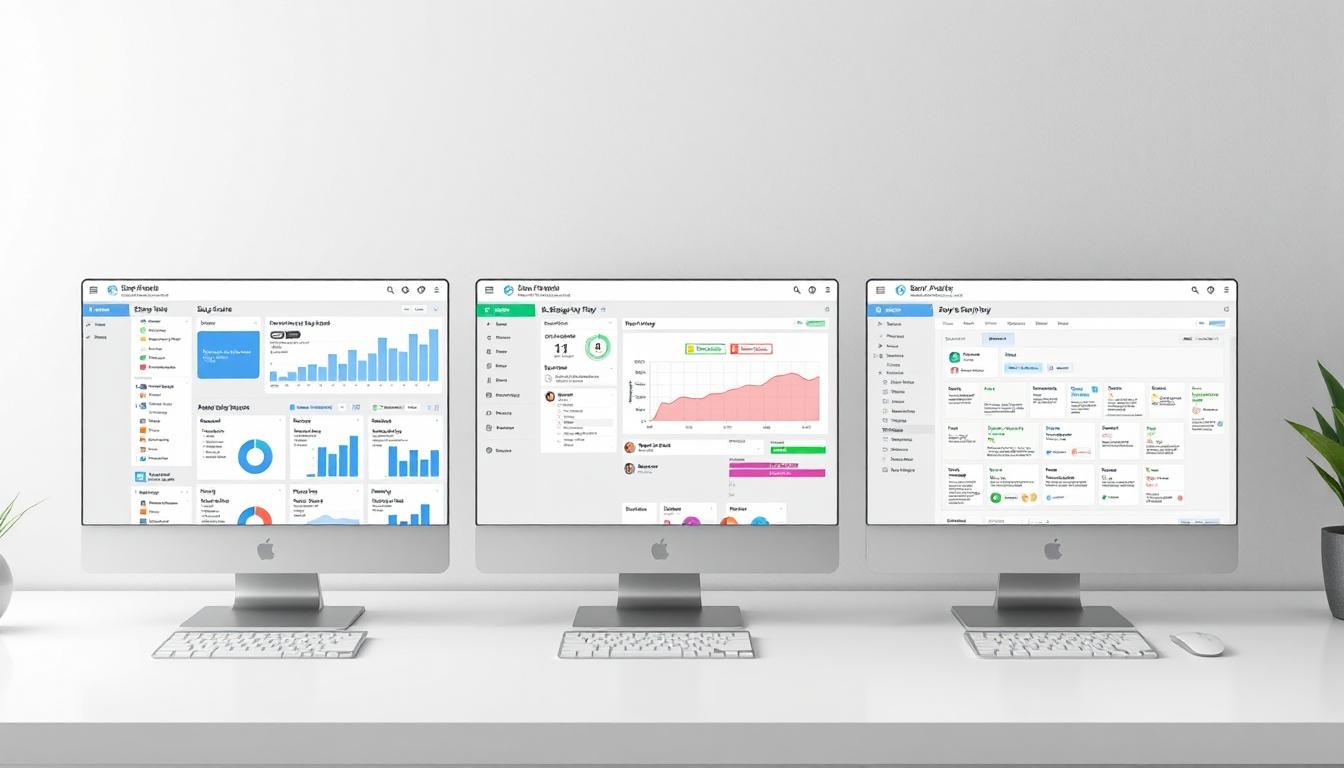
Comparing Agile Plugins in Jira
Introduction to Agile Plugins in Jira
When it comes to perfecting your workflow and pushing the potential of your teams to the maximum, Jira has become an invaluable asset. Among its many ace aspects, the Agile plugins are genuinely catalysts for your operations. They can efficiently set up your teams to excel, whether it involves roadmapping, reporting, or many other facets. However, considering the myriad of options available, the real challenge lies in determining the best choice for your team’s needs. In this quest, three particular plugins stand head and shoulders above the crowd: Portfolio, Structure, and BigPicture. Here, we delve deep into their pros, cons, and key features to help you make an informed choice.
Portfolio – The Future-Proof Plugin
Portfolio is geared towards future-focused teams that need to perform advanced roadmapping and scenario planning. It lets you establish a solid plan, accounting for business goals, team availability, and real-time data reflecting multiple possible futures.
- Roadmapping: With Portfolio, your roadmap can be enriched with as many details as required, factoring in deadlines, dependencies, and even potential risks.
- Scenario Planning: In addition, you can model possible futures with multiple ‘what if’ scenarios to stay ahead of the curve.
- Reports: Access insightful reports to track progress in real-time and identify blockages early.
Contrarily, its extensive features might deter smaller teams or those with simpler requirements. It also requires a learning curve to fully master its functionalities.
Structure – The Organizational Beast
In contrast, Structure is all about getting your team and tasks organized on a granular level. It excels in hierarchical project planning, allowing you to manage tasks in a defined structure aligned with your project’s goals.
- Hierarchy: Construct a multilevel breakdown of your project’s tasks, from high-level goals right through to individual tasks.
- Custom Views: Customize the task view based on various attributes such as team member, deadline, or task status.
- Connectivity: You can link it to other Jira modules, maximizing the value you get from each tool.
On the downside, it might not be the right choice for those who require out-of-the-box reports and sophisticated scenario planning. It is all about structure-first task management.
BigPicture – The All-Rounder
BigPicture is for those teams that appreciate the best of both worlds. It is like a Swiss Army Knife for Agile project management. It offers advanced roadmapping capabilities, detailed reporting, and hierarchical task breakdowns all in one place.
- Fully-featured Roadmaps: It incorporates dependencies, milestones, risks, and other factors in a visually striking timeline.
- Effective Reporting: Detailed reports distilling progress and alerts to any potential roadblocks are part of its package.
- Hierarchical Planning: Like Structure, BigPicture also lets you break down tasks in a detailed hierarchy to streamline workload allocation.
However, it should be noted that BigPicture’s one-size-fits-all approach could feel overwhelming to users who require a simpler, more streamlined workflow view. It takes time to familiarize yourself with its sprawling features.
Pick the Best Plugin for Your Team
Picking the right plugin boils down to your team’s needs, complexity of your projects, and your vision for the future. While Portfolio excels in meticulous future planning, Structure focuses on detailed, structured task management, and BigPicture is juggling both worlds effectively. So, observe your team’s modus operandi, gauge the complexity of your tasks, and select a plugin which aligns with your team’s ethos and goals.
Conclusion
Jira’s Agile plugins undoubtedly have the capability to supercharge your workflow. They can help smooth the wheels of project execution, facilitating teams to climb to new heights of productivity. However, the suitability of a specific plugin, be it Portfolio, Structure, or BigPicture, ultimately depends on the unique intricacies of your team and the projects in hand. To make an informed decision, it’s crucial to consider their capabilities, learning curve, and depth of customization required for your team’s operations.